Print Size & DPI Calculator
Work out the pixels needed to print A4 at 300 dpi, how large an image can be printed, and the resolution (dpi) a photo prints at on a given paper. Includes A and B paper sizes, photo print sizes, postcards, ID photos, and bleed for print shops.
Find the pixels an image needs from the paper size and the resolution.
Common rules of thumb: 350 dpi for files sent to a print shop, 300 dpi for photo prints, and 600–1200 dpi for black-and-white line art.
Result
A4 (Portrait) 210 × 297 mm at 300 dpi → 2,480 × 3,508 px
Pixels needed
2,480 × 3,508 px
- Paper
- A4 (Portrait) 210 × 297 mm
- Pixel count
- 8.7 MP
- Aspect ratio
- 620:877
The exact figure is 2,480.3 × 3,507.9 px, rounded to whole pixels.
| Resolution | Pixels |
|---|---|
| 72 dpi | 595 × 842 px |
| 150 dpi | 1,240 × 1,754 px |
| 200 dpi | 1,654 × 2,339 px |
| 300 dpi (selected) | 2,480 × 3,508 px |
| 350 dpi | 2,894 × 4,093 px |
| 600 dpi | 4,961 × 7,016 px |
How to use
Choose what you want to find under "What to calculate".
- Pixels needed: choose a paper size and a resolution (dpi) to see how many pixels an image needs to print at that size. Use it before making the image for a flyer or a greeting card, to decide how large the canvas should be. For files sent to a print shop, press "3 mm" under "Bleed per side (mm)" (or enter 3) to add 3 mm outside the trimmed size on every side.
- Print size: enter the image's width and height (px) and a resolution to see how large it prints, in mm, cm, and inches. It also shows the largest A size, B size, and photo print the image can fill at that resolution or better.
- Print resolution: enter the image's width and height (px) and a paper size to see the resolution it prints at on that paper. It shows both fitting the whole image with margins and filling the paper with the edges cut off, with the width of the margins or the share cut off.
The width and height are filled in when you choose a file with "Read from an image" or drop an image onto this page. For phone photos, the pixels are read in the orientation the photo is shown in. The image is read inside your browser and is not sent anywhere.
Paper sizes include A0–A7, the Japanese JIS B0–B7, photo print sizes (L, 2L, KG, 8 × 10 in, 10 × 12 in, 14 × 17 in, and more), postcards and business cards, ID photos, and US Letter, Legal, and Tabloid. Choose "Custom size" or edit the width and height to use any size. Units can be mm, cm, or inches.
Below the result are quick tables of the pixels needed or the print size at each resolution, and of the resolution on each paper from L size to A2. "Copy result" copies the inputs and the result as text.
How it is calculated
An inch is 25.4 mm. dpi (dots per inch) counts the dots in an inch, so:
- Pixels needed = paper length (mm) ÷ 25.4 × resolution (dpi)
- Print size (mm) = pixels ÷ resolution (dpi) × 25.4
- Print resolution (dpi) = pixels ÷ (paper length (mm) ÷ 25.4)
Pixel counts are rounded to whole pixels, and the exact figure is shown when it is not whole. With bleed, twice the bleed is added to the paper's width and height before calculating.
When the image and the paper have different shapes, "Fit on the paper" matches one side of the image to the paper so that the whole image fits, leaving margins in the other direction. "Fill the paper" matches the other side so that there are no margins, and the rest runs off the paper and is cut off. Because the image is printed larger by the part that runs off, its resolution is lower than when fitting.
Examples
- Printing A4 (210 × 297 mm) at 300 dpi needs 2,480 × 3,508 px (about 8.7 megapixels). The exact figure is 2,480.3 × 3,507.9 px.
- A4 at 350 dpi with 3 mm of bleed is 216 × 303 mm, which needs 2,976 × 4,175 px. The trimmed size alone needs 2,894 × 4,093 px.
- An L-size print (89 × 127 mm) at 300 dpi needs 1,051 × 1,500 px, and a Japanese postcard (100 × 148 mm) needs 1,181 × 1,748 px.
- A 4,032 × 3,024 px photo (about 12 megapixels) printed at 300 dpi is 341.4 × 256 mm. The largest A size it fills at 300 dpi or more is A4.
- The same photo on landscape A4 (297 × 210 mm) prints at about 366 dpi when fitted (8.5 mm margins left and right) and about 345 dpi when filling the paper (5.7% of the height cut off).
- A 1,920 × 1,080 px (Full HD) image filling landscape A4 prints at about 131 dpi, and roughness is easy to see up close.
Resolution guide
- 350 dpi: often asked for by print shops, for flyers, booklets, and business cards.
- 300 dpi: a guide for photo prints and home printers, with no visible roughness in the hand.
- Around 200 dpi: usually enough for home photo prints.
- Around 150 dpi: posters seen from a little way off.
- 600–1200 dpi: black-and-white line art and text.
These are rules of thumb that depend on the printing method and the viewing distance. For a print shop, use the figure in its file guidelines.
FAQ
Are dpi and ppi different?
ppi (pixels per inch) is the number of image pixels per inch, and dpi (dots per inch) is the number of dots a printer puts down per inch, so strictly they differ. The resolution of images for print is commonly called dpi, though, and this tool treats the two as the same.
Is an image recorded as "72 dpi" unsuitable for print?
The resolution recorded in a file is only a label for how many inches to print it at; it does not change the image's pixels. The printed size is set by the print settings or the layout. What matters is the pixel count: with 2,480 × 3,508 px, an image prints on A4 at 300 dpi even if it records 72 dpi. When you read an image with this tool, it also shows the resolution recorded in JPEG (JFIF and Exif) and PNG files.
If the resolution is too low, can I enlarge the image?
Enlarging an image adds pixels but not detail that was not in the original, so it still looks soft. When the resolution is too low, print it smaller or use a larger original.
What is cut off when filling the paper?
When the image and the paper have different shapes, the same amount is cut off both ends of either the width or the height. "Fill the paper" shows which, and by how much. A 4:3 phone photo, for example, is less elongated than an L-size print (about 7:10), so filling an L-size print cuts about 6.6% off the short side. To keep the whole image, print with "Fit on the paper" and leave margins.
Why is B5 a different size from other tools?
In Japan, B5 means the JIS B size (182 × 257 mm). Tools from elsewhere may use the ISO B size, where B5 is 176 × 250 mm. The B sizes in this tool are the JIS sizes.
Are my images or numbers saved?
No. All calculations and image reading happen in your browser, and nothing you enter is sent anywhere. Everything is cleared when you close the page.
- Type
- Utility
- Category
- Images
- Tags
- dpi
- ppi
- resolution
- pixels
- paper-size
- a4
- photo
- bleed
- image
- calculator
Related apps
Image to PDF Converter
Combine JPG, PNG, WebP, and other images or photos into one PDF. Set the page order and rotation, the page size (A4, Letter, and more), orientation, margins, and how each image sits on its page, or make one PDF per image. JPEGs go in without re-encoding, and Exif data such as the location stays out of the PDF. Everything runs in your browser.
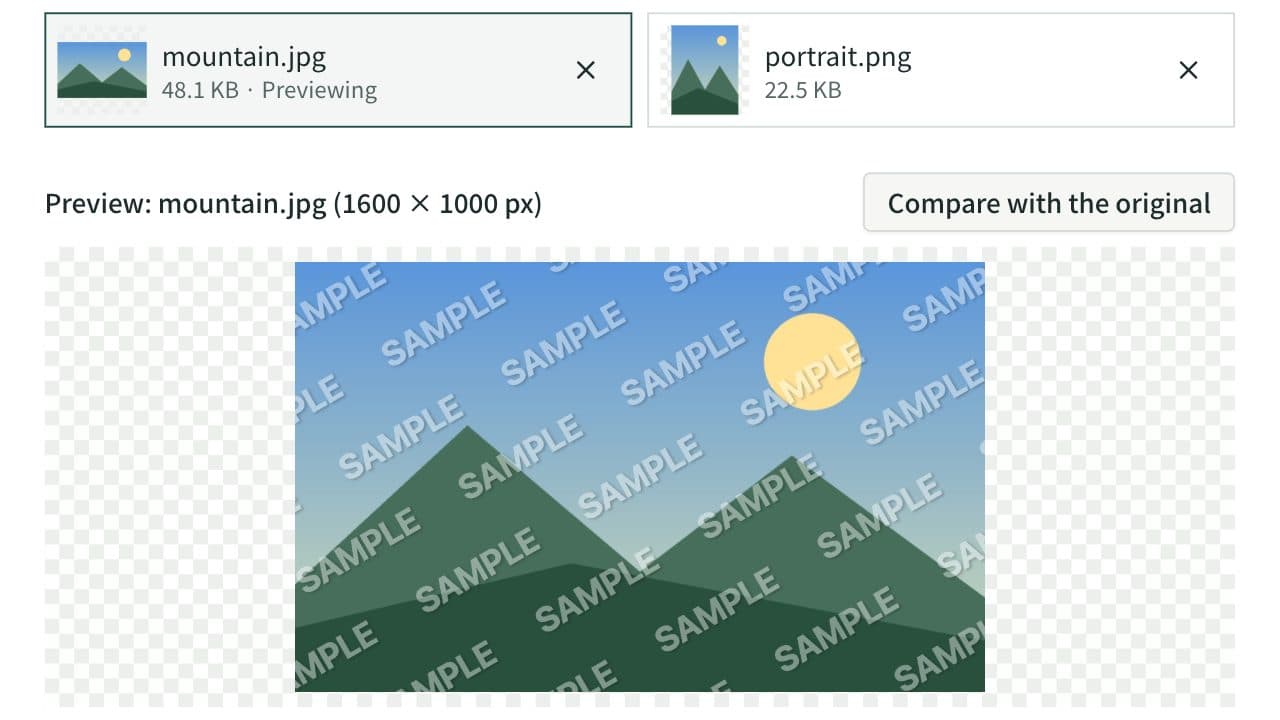
Image Watermark
Add a text or logo watermark such as “© name”, “SAMPLE”, or “CONFIDENTIAL” to photos and images. Place it in a corner or the center, or tile it over the whole image, and adjust the angle, opacity, outline, and shadow. Watermark up to 20 images at once and save them as a ZIP. Everything runs in your browser.
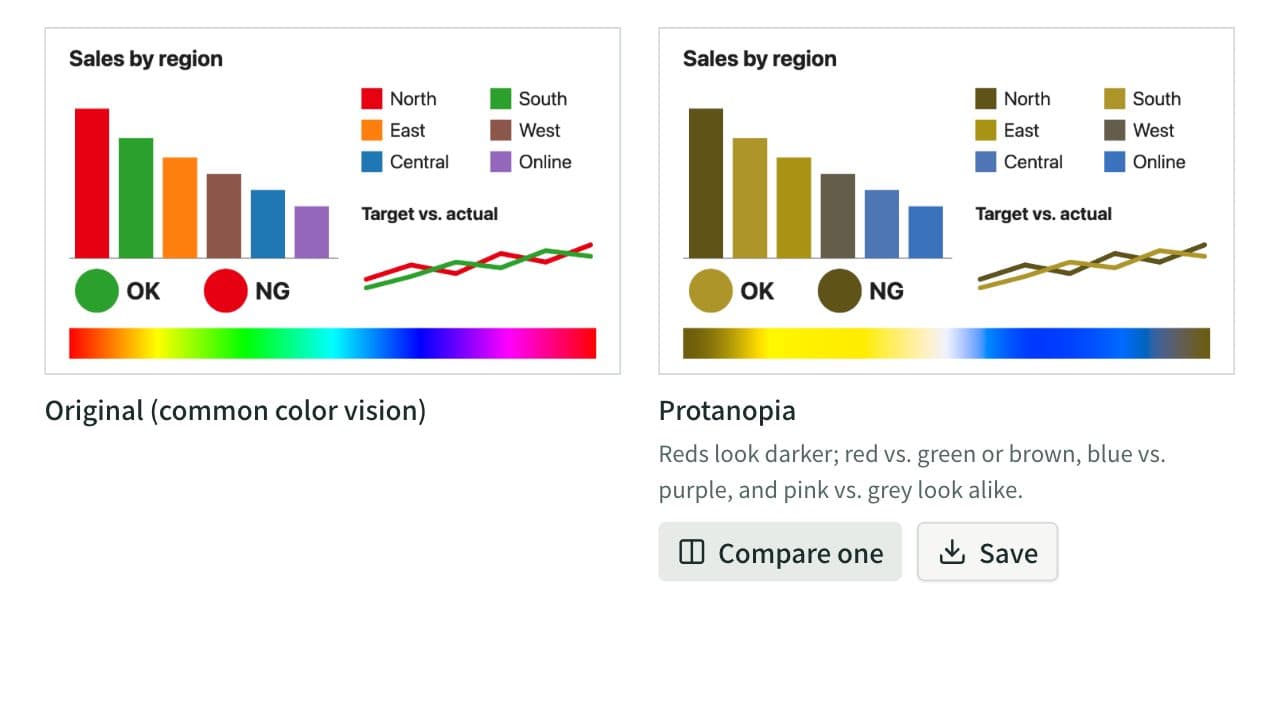
Color Blindness Simulator
See how an image or a set of colors looks with protanopia, deuteranopia, tritanopia, or achromatopsia, side by side. Lower the severity to approximate color weakness, and find pairs of HEX colors that become hard to tell apart. Everything runs in your browser.
UtilityImagescoloraccessibilitycolor-blindnesscolor-visioncolor-universal-designsimulatorimagedesignpalette