URL Slug Generator
Turn titles into URL slugs such as hello-world, one line at a time. Kana become Hepburn romaji and accented letters become plain letters, with a choice of separator, letter case, maximum length, English stop words, and numbers for duplicates. Can also keep Japanese in the slug and show its percent-encoded length.
Kanji cannot be read without a dictionary, so for a romaji slug write their reading in hiragana or katakana. A space between words becomes a separator.
Kana become Hepburn romaji, and kanji and other scripts are removed.
Leave blank for no limit (10–500). Words are never cut in half.
When filled in, the slugs can also be copied as URLs. Include the final /.
Enter a title to see its slug here.
How to use
- Enter article titles or page names in “Titles (one per line)”. Paste several lines to get one slug per line. “Insert example” fills in an example
- Under “Characters”, choose a slug of letters and digits only, or one that keeps Japanese. The first setting is “Letters and digits only (kana as romaji)”
- If needed, choose how to write long vowels, the separator (hyphen or underscore), the letter case, and a maximum length. Enter something like
https://example.com/blog/in “Text before the slug” to copy the slugs as URLs too (the URL of the first slug is shown as a sample) - Use the checkboxes to write symbols as words, write ä ö ü the German way, number lines that give the same slug, or remove English stop words
- The slugs appear in “Slugs (one per line)”. “Copy slugs” puts them on the clipboard. When you entered the text before the slug, “Copy URLs” is there too
There is no run button: the result changes as you type or change a setting. The result has one line for each line of input (a blank line stays blank), so it lines up when pasted into a spreadsheet column. Everything you enter is processed in your browser and is never sent or saved anywhere.
Below the result are notes about removed kanji, kana read as one long vowel and numbered lines, and a table with each line’s slug and its length.
Example
The five lines that “Insert example” fills in, with the first settings:
How to Brew Coffee at Home   → how-to-brew-coffee-at-home
10 Tips for Better Sleep!    → 10-tips-for-better-sleep
Crème brûlée & Café          → creme-brulee-and-cafe
Q&A: What's New in 2026?     → q-and-a-whats-new-in-2026
How to Brew Coffee at Home   → how-to-brew-coffee-at-home-2
- Letters are lowercased, and spaces and punctuation become a single
- - The accents on
éandûare removed, and&becomesand - The apostrophe in
What'sis removed without splitting the word - Line 5 gives the same slug as line 1, so
-2is added at the end
With “Remove English stop words” on, the same lines become:
how-brew-coffee-home
10-tips-better-sleep
creme-brulee-cafe
q-whats-new-2026
how-brew-coffee-home-2
Japanese titles work the same way. はじめての プログラミング becomes hajimeteno-puroguramingu, and Next.js 16の新機能 becomes next-js-16-no with a note that the kanji 新機能 were removed. Written with its reading as Next.js 16の しんきのう, it becomes next-js-16-no-shinkino. With “Characters” set to “Keep Japanese”, it becomes next-js-16の新機能, and the table’s “Encoded” column shows its length once percent-encoded for a URL, where each kana or kanji takes 9 characters (such as %E3%81%AF).
How text is converted
Each line goes through these steps:
- Fullwidth letters and digits become ASCII, halfwidth katakana become fullwidth, and
①and²become1and2(Unicode NFKC normalization) - Commas every three digits, as in
1,000, are removed to give1000. The point in1.5is a separator, giving1-5 - With “Write symbols as words” on,
&becomesand,+becomesplus,@becomesat, and%becomespercent.C++becomesc-plus-plus - Accents are removed from letters (
é→e,ñ→n).ßbecomesss,æbecomesae,øbecomeso,łbecomesl, andþbecomesth. The German style writesäöüasaeoeue - An apostrophe inside a word is removed without splitting it (
Don't→dont) - Anything other than letters, digits and kana (spaces, punctuation, brackets, symbols, emoji) is a separator. Separators in a row become one, and separators at the start and end are removed
- With “Letters and digits only”, the point where Latin letters meet kana is also a separator (
iPhoneケース→iphone-kesu,Tシャツ→t-shatsu) - “Lowercase” lowercases the letters. Romaji is always lowercase
Kana as romaji
Kana are written in Hepburn romaji: し is shi, ち is chi, つ is tsu, ふ is fu, じ and ぢ are ji, ず and づ are zu, and を is o.
んis alwaysn(しんぶん→shinbun,しんばし→shinbashi)っdoubles the next consonant (がっこう→gakko), and istbeforeち(まっちゃ→matcha)- Loanword sounds such as
ティファウェヴァtake their common spellings (tifaweva) - Long vowels “Leave out” writes
おう,おおandううas one vowel and leaves outー(とうきょう→tokyo,おおさか→osaka,コーヒー→kohi). As in passport names,えい,いいandああare written out (せんせい→sensei) - Long vowels “As the kana spell them” writes every kana, and
ーrepeats the vowel before it (toukyou,koohii)
With “Leave out”, the もう in おもう (to think) is also read as a long vowel and gives omo. When the kana are separate sounds, type ' between them, as in おも'う, to get omou. The note below the result lists which kana were read as long vowels.
は and へ are written as spelled, ha and he. To write the particle は as wa, type わ.
Choosing a slug
- Google recommends readable words rather than long ID numbers in URLs, and hyphens (
-) rather than underscores (_) between words - Google Search treats URLs as case sensitive:
/Appleand/appleare different URLs. If your server returns the same page for both, pick one case - A slug that keeps Japanese shows as Japanese in the address bar, but when copied or shared it turns into percent-encoding such as
%E3%81%AFand gets long - WordPress stores a Japanese slug percent-encoded and cuts anything past 200 encoded characters (about 22 kana or kanji). A slug of letters and digits is also kept to 200 characters. Rows over 200 are listed in the note below the result and in the table’s “Notes” column
- Changing the slug of a published page breaks links to the old URL. If you change it, set up a redirect
FAQ
Can it turn kanji into romaji?
No. The reading of a kanji depends on context (今日 can be kyō or konnichi) and cannot be chosen without a dictionary. Kanji are removed and listed in a note, so rewrite those lines with the reading in hiragana or katakana, or in English. To keep the Japanese, set “Characters” to “Keep Japanese”.
Removing the kanji left a meaningless word
Only the kana between the kanji become romaji, like the の in Next.js 16の新機能. The table’s “Notes” column shows the removed characters for each line, so replace those lines with ones that spell the reading in kana.
Where do Japanese kana words break?
Only where you type a space. Japanese is written without spaces between words, so とうきょうのてんき becomes the single word tokyonotenki. Typed as とうきょう の てんき, it becomes tokyo-no-tenki.
Which is better: letters and digits only, or keeping Japanese?
A Japanese slug makes the page easier to recognize in search results and the address bar, but turns into a long percent-encoded string when the URL is shared on social media or by email. Google can handle URLs in languages other than English. It helps to decide by how often the URL will be shared.
What happens to lines that give the same slug?
With “Number lines that give the same slug” on, later lines get -2, -3 and so on (the same form WordPress uses for posts with the same slug). If another line already gives a slug ending in -2, that number is skipped. Slugs that differ only in letter case count as the same. With it off, no number is added and the table’s “Notes” column says “Same as line …”.
How is the maximum length counted?
In characters of the slug (with “Keep Japanese”, each kana or kanji is one character). Words are not cut in half: the slug ends at the last separator within the limit. A single word longer than the limit is cut where the limit falls. A numbered slug fits within the limit, number included.
What are stop words?
Words such as a, the and of that appear in almost every English sentence and carry little meaning. They are sometimes removed to keep slugs short. You can edit the list of words to remove. The list is read the same way as titles, so für removes the word fur and & removes and. An entry that splits into two words, such as e-mail, cannot be used. Only words typed in Latin letters are removed, so the romaji to (と) and no (の) stay. A line made only of stop words keeps all of them.
Is what I enter sent anywhere?
No. Everything is converted in your browser, and nothing you enter or get is sent to a server or saved. It is gone when you close the page.
- Type
- Utility
- Category
- Developer
- Tags
- slug
- url
- seo
- permalink
- romaji
- blog
- wordpress
Related apps
Punycode Converter (IDN ⇔ xn--)
Convert internationalized domain names to their xn-- Punycode form and back, line by line. In URLs and email addresses only the domain is converted, with case and width mapping, invalid characters and mixed-script look-alikes reported.
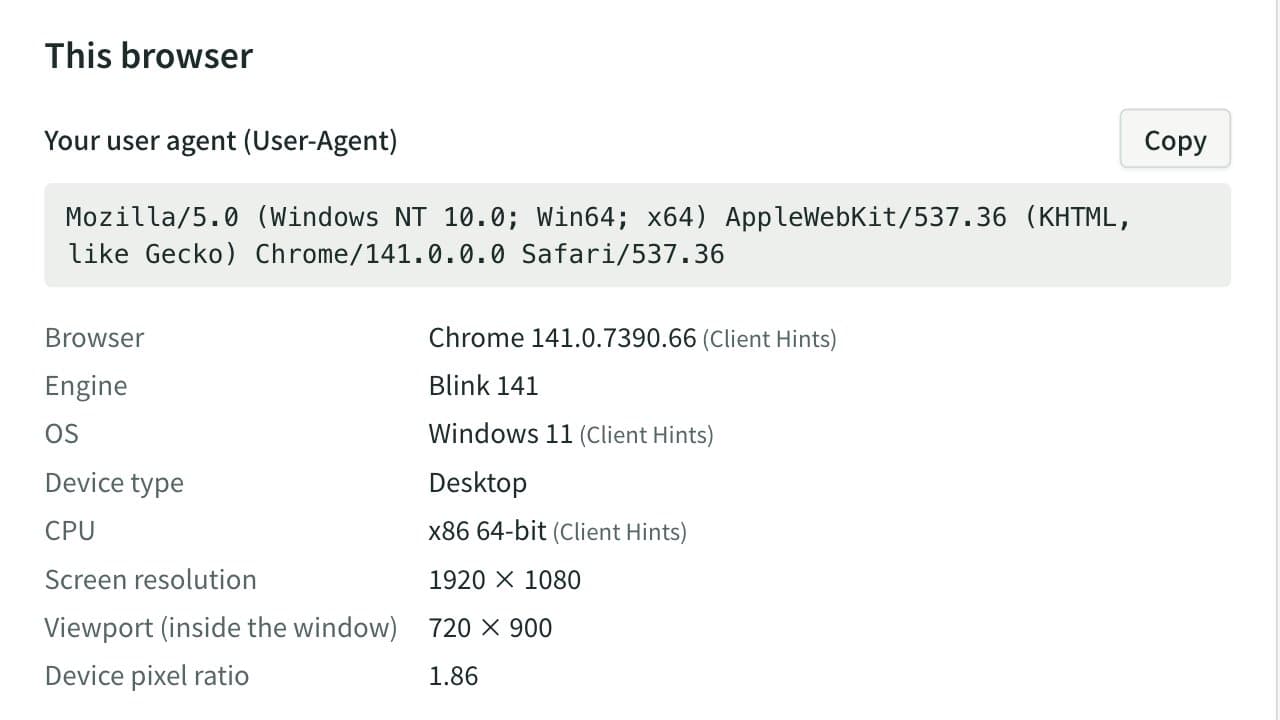
User-Agent Parser & Browser Info Checker
See this browser's User-Agent and environment (browser, OS, screen size and more) and copy it all at once. Paste User-Agent strings or access log lines to break them down by browser, OS, device and search or AI bot, with totals and notes on frozen version numbers.
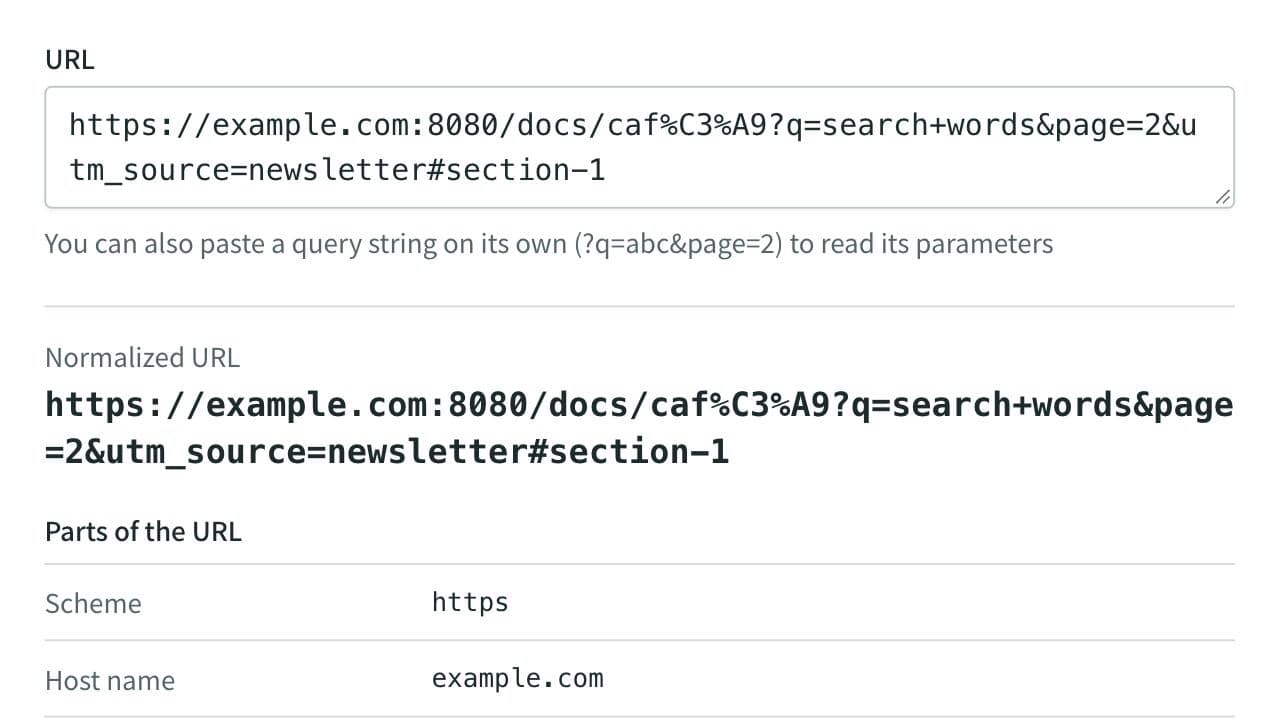
URL Parser and Query String Viewer
Split a URL into its scheme, host, port, path, query string, and fragment, and list its query parameters decoded. Also gives you the URL without tracking parameters such as utm_source, and lets you change, add, or remove parameters to rebuild the URL. Runs entirely in your browser.