Mojibake Fixer and Text Encoding Converter
Paste garbled Japanese such as 縺薙s縺ォ縺。縺ッ or ã“ã‚“ã«ã¡ã¯ to try the common misreadings of UTF-8, Shift_JIS, EUC-JP and JIS and get the text back. It also detects the encoding of a CSV or text file and saves it as UTF-8 (with or without BOM) or Shift_JIS.
Possible fixes
Text and files are processed only in your browser; nothing is sent or saved.
How to use
Fix garbled text
- Choose "Fix mojibake" and paste the garbled text into "Garbled text"
- As you type, every common misreading is tried, and the "Possible fixes" are listed with the most readable Japanese first
- Each fix names the likely cause (which encoding the text was written in and which one it was read as) and where that usually happens
- Press "Copy" on the right fix to copy the repaired text
The "Try an example" buttons load typical mojibake.
Convert a file's encoding
- Choose "Convert a file's encoding" and pick a text or CSV file, or drop it on the page (up to 20 MB)
- The encoding is detected, and the reason, the number of lines, the kind of line breaks and the contents (first 200 lines) are shown. If the detection is wrong, pick another under "Read as"
- Choose "Save as" and "Line breaks" and press "Save" to save the converted file. For a CSV, "UTF-8 with BOM (for Excel)" is chosen at first
If the contents themselves were saved garbled, "Check these contents for mojibake" sends them to the text fixer.
Text and files are processed only in your browser; nothing is sent or saved.
Telling the kinds of mojibake apart
What mojibake looks like says what happened. This tool tries these combinations.
縺薙s縺ォ縺。縺ッ(lots of 縺, 繝, 譁): UTF-8 read as Shift_JIS. The classic result of opening a UTF-8 CSV in Japanese Excelã“ã‚“ã«ã¡ã¯(lots of ã, Ã, â): UTF-8 read as Latin-1 (Windows-1252). Happens in mail and web pages without a declared encoding, and in Western software and databases‚±‚ñ‚É‚¿‚Í(lots of ‚): Shift_JIS read as Latin-1¤³¤ó¤Ë¤Á¤Ï(lots of ¤): EUC-JP read as Latin-1- Half-width katakana such as
、ウ、ネ: EUC-JP read as Shift_JIS. The other way round, Shift_JIS read as EUC-JP, leaves many unreadable characters $B$3$s$K$A$O(B: ISO-2022-JP (JIS) mail that lost its switch control characters (ESC)- Garbled twice: mojibake that was garbled again, such as
ãÂ. Input of up to 5,000 characters is also tried with two misreadings in a row
The same mojibake can sometimes be explained by more than one combination, so the fixes are not narrowed to one but listed by readability.
Lost characters and guessed characters
Characters whose original bytes were thrown away on the way cannot come back. In a fix, a lost character is the "�" in a red frame, and a guessed character has a dotted underline.
- Characters that became "�" or "・": bytes Shift_JIS cannot read become "�" in browsers and "・" on Windows (Excel and others), and the original bytes are dropped. UTF-8 fixes how the bytes of a character are laid out, so the bytes around the gap tell how many are missing and most of their bits. Characters that fit are ranked: kana first, then common kanji and Japanese punctuation (full-width !? too), then anything else. When exactly one character has the top rank, it fills the gap and the others that fit are listed with it (for example, "The “ス” at character 2 is a guess (点 would also fit)"). When several share the top rank, the "�" stays and they are listed (for example, "The “�” at character 1 is one of ッ ツ ヅ テ デ"). Where losses come one after another and too little is left to go on, they become a single "�"
- Invisible characters lost in copying:
ã“-type mojibake contains characters that are not shown (U+0081 and others) and can vanish when copied or forwarded. Where UTF-8 is one byte short, the bytes that tend to vanish (0x81, 0x8D, 0x8F, 0x90, 0x9D, 0xAD) are tried to see whether they make a readable character. A no-break space (0xA0) that turned into a plain space is put back as well - Characters that were "�" from the start: a "�" already in the pasted text does not come back in any fix. Mojibake such as
�����, from opening a Shift_JIS file as UTF-8, has lost most of its bytes. If you have the original file, read it with the right encoding under "Convert a file's encoding"
A guess only picks what reads as valid text. Check names, numbers and anything else that matters against the original.
How a file's encoding is detected
It goes in this order.
- A byte order mark at the start gives the encoding (UTF-8, UTF-16LE, UTF-16BE)
- A 00 in every other byte means UTF-16 without a BOM
- With only ASCII letters and symbols: ISO-2022-JP if there are JIS switch codes, UTF-8 otherwise
- If it reads correctly as UTF-8, UTF-8
- Otherwise the first 1 MB is read as Shift_JIS, EUC-JP and UTF-8, and the one with the fewest unreadable bytes and the most natural Japanese wins. If all of them fail on many bytes, Latin-1 (Windows-1252)
Shift_JIS includes the extensions used on Windows (Windows-31J, CP932), so vendor-specific characters such as ① and 髙 are read and written. The character mapping follows the tables of the WHATWG Encoding Standard that browsers use.
When saving as Shift_JIS, characters it does not have (emoji, some symbols and non-Japanese letters) become "?". Which ones and the first line each appears on are shown before you save.
FAQ
A CSV is garbled when I open it in Excel
Double-clicking a CSV saved as UTF-8 makes Japanese Excel read it as Shift_JIS, which gives 縺薙s縺ォ縺。縺ッ-type mojibake. Load the CSV under "Convert a file's encoding" and save it as "UTF-8 with BOM (for Excel)"; the BOM tells Excel the file is UTF-8. If an older system needs Shift_JIS, save it as Shift_JIS.
Can a file that was saved garbled be fixed?
Usually, as long as the garbled characters did not become "�". Load the file, press "Check these contents for mojibake" and look at the fixes. Contents over 50,000 characters cannot be checked, so paste them in parts.
There are several fixes. Which one is right?
The first is the one that reads most like Japanese. Short mojibake can happen to read like Japanese under more than one combination, so pick the one that fits the context. The likely cause ("a UTF-8 CSV opened in Excel" and so on) is a clue too.
No fix appears
One of these is likely:
- The text is not garbled
- It is mostly "�", and the original bytes are gone
- An encoding this tool does not handle is involved (Chinese GBK or Big5, Korean EUC-KR, UTF-16 and others)
- A mail subject or body is still in Base64 (such as
=?UTF-8?B?44GC?=). Decode the part between?B?and?=with the Base64 Encoder / Decoder first - It is still URL-encoded, such as
%E3%81%82. The URL Encoder / Decoder turns it back
Character references such as あ go back with the HTML Escape and Unescape Tool, and escapes such as \u3042 with the Unicode Escape Converter.
Is my text or file sent anywhere?
No. Fixing, detecting and converting all happen in your browser, and everything is gone when you reload the page.
- Type
- Utility
- Category
- Text
- Tags
- mojibake
- encoding
- charset
- utf-8
- shift_jis
- euc-jp
- csv
- excel
- japanese
- converter
Related apps
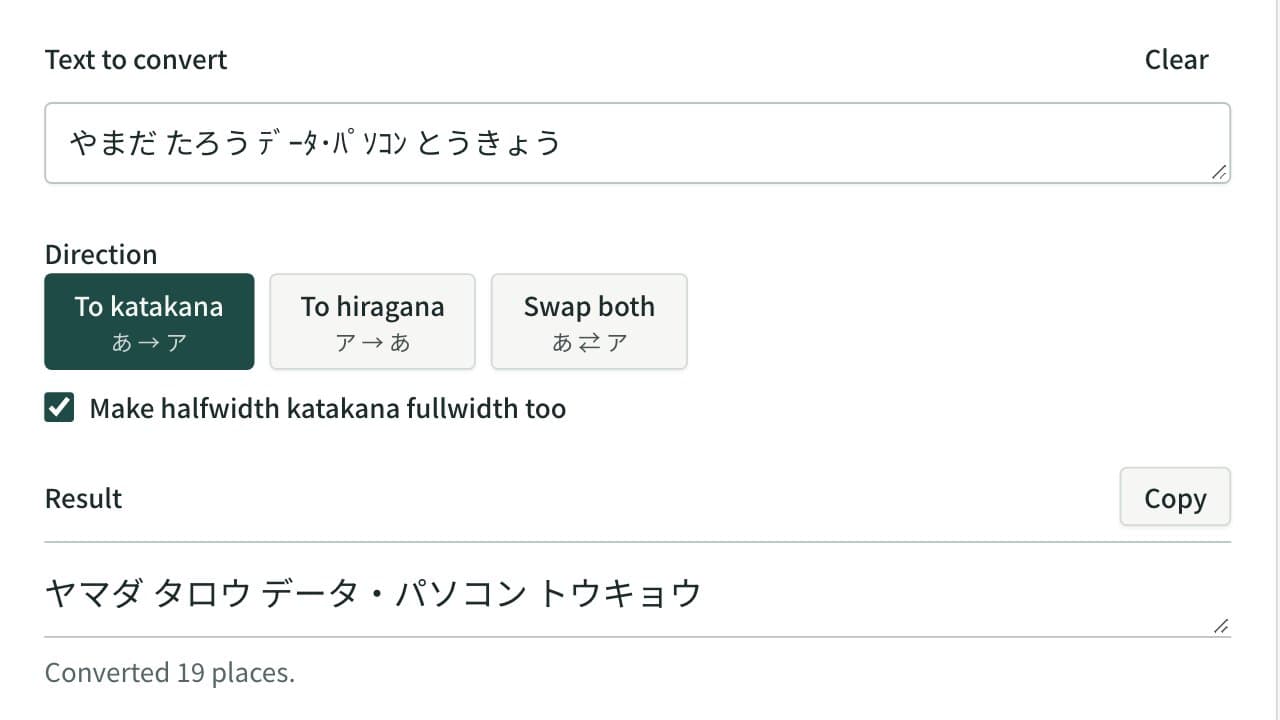
Hiragana and Katakana Converter
Convert hiragana to katakana, katakana to hiragana, or swap both in one pass. Halfwidth katakana can become fullwidth katakana or hiragana, and kana with a separate voiced mark are joined.
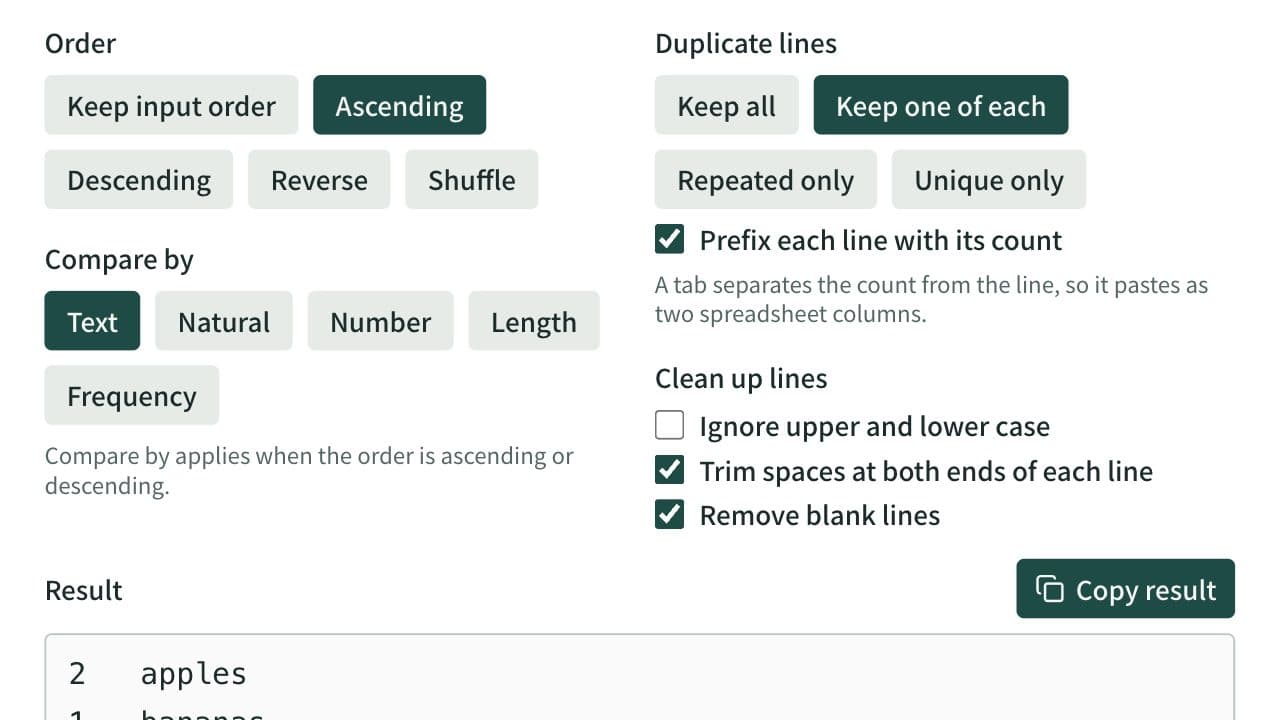
Line Sorter and Duplicate Remover
Sort a one-item-per-line list ascending, descending, reversed, or shuffled, and remove duplicate and blank lines. Spreadsheet tables and CSV can be sorted by a chosen column with the header line kept on top. Can also list only repeated or only unique lines and count how often each line appears.
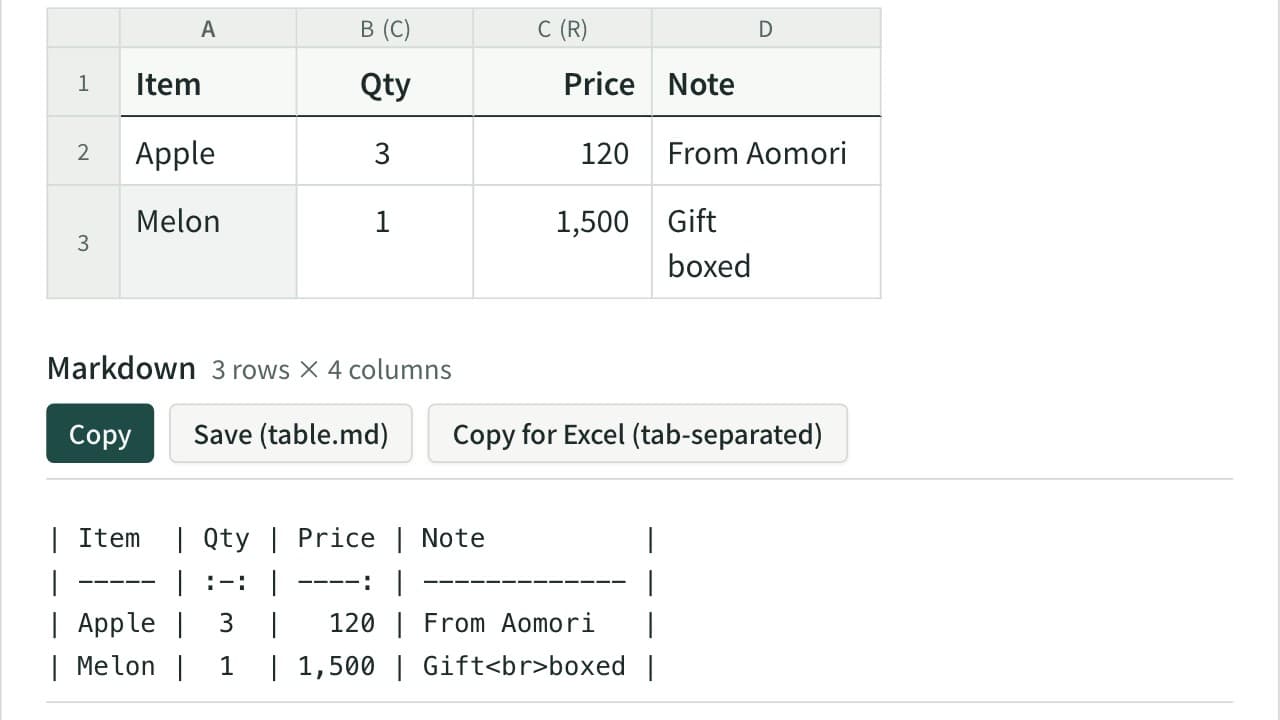
Markdown Table Generator
Turn cells copied from Excel or a spreadsheet into a Markdown table. Edit the cells in a grid, set each column to left, center or right alignment, and add, move, sort or swap rows and columns. The pipes line up even with Japanese and other full-width text, and you can reformat an existing Markdown table or copy it back to Excel.